下載、安裝 Drecov 很簡單
下載了不行? 重新啟動下載
步驟1
打開
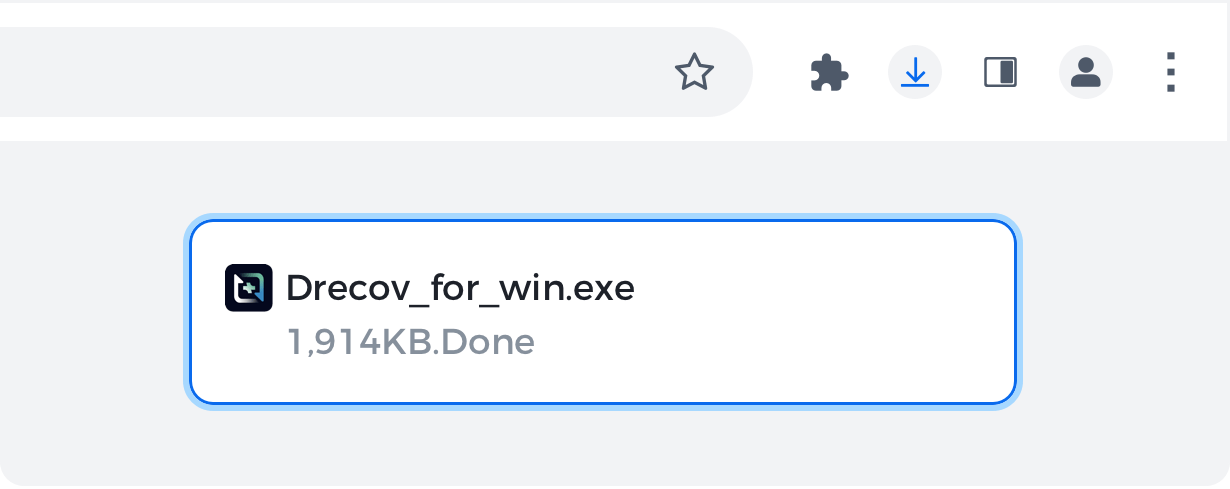
按一下工具列上的下載圖示以開啟 Drecov.exe 檔案。
步驟2
允許
如果出現提示,請在系統對話方塊中按一下「仍安裝」和「是」。
步驟3
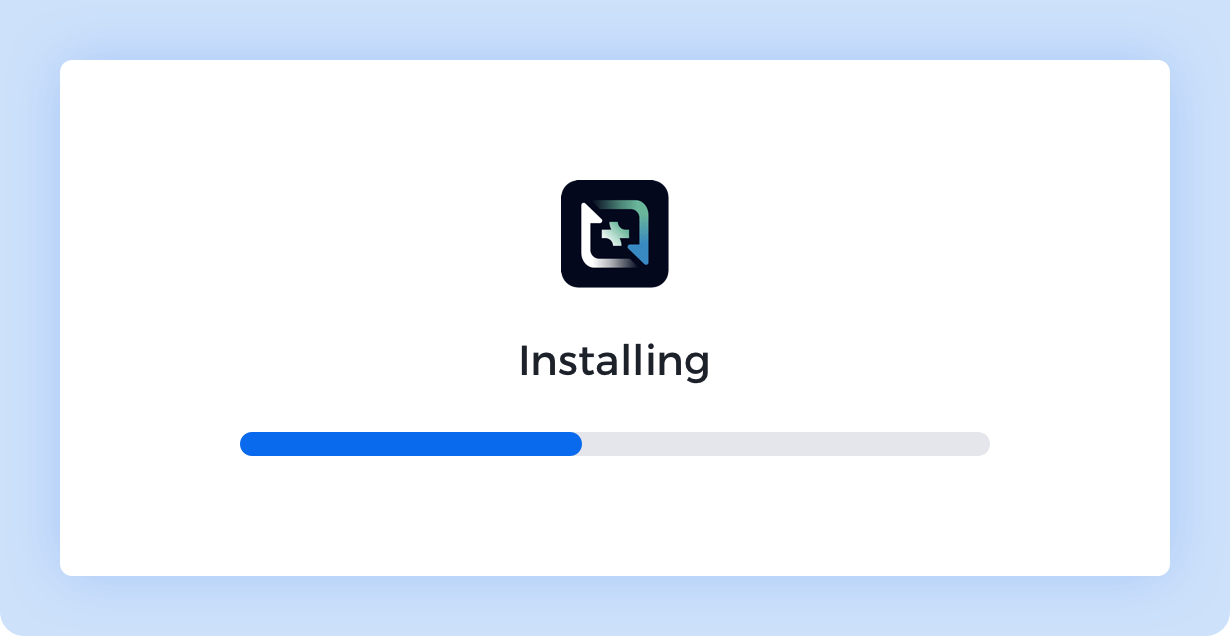
安裝
等待安裝完成。完成後 Chrome 會自動開啟。
下載即表示您同意 條款 & 條件 和 隱私政策.
How to find the Drecov installer
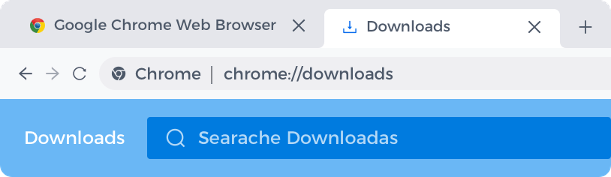
On your PC , press Ctrl + J and look for the file named Drecov.exe Then, click the file name to open the installer.
Still can't find it? Restart download
安裝提示: 點選 然後選擇“Drecov”進行安裝
Drecov.exe


 然後選擇“Drecov”進行安裝